F&B Item Classifications
SnowCloud allows you to create and manage classifications for your food and beverage items, enabling better organization and reporting.
Accessing the Classifications Interface
-
Log into your SnowCloud account.
-
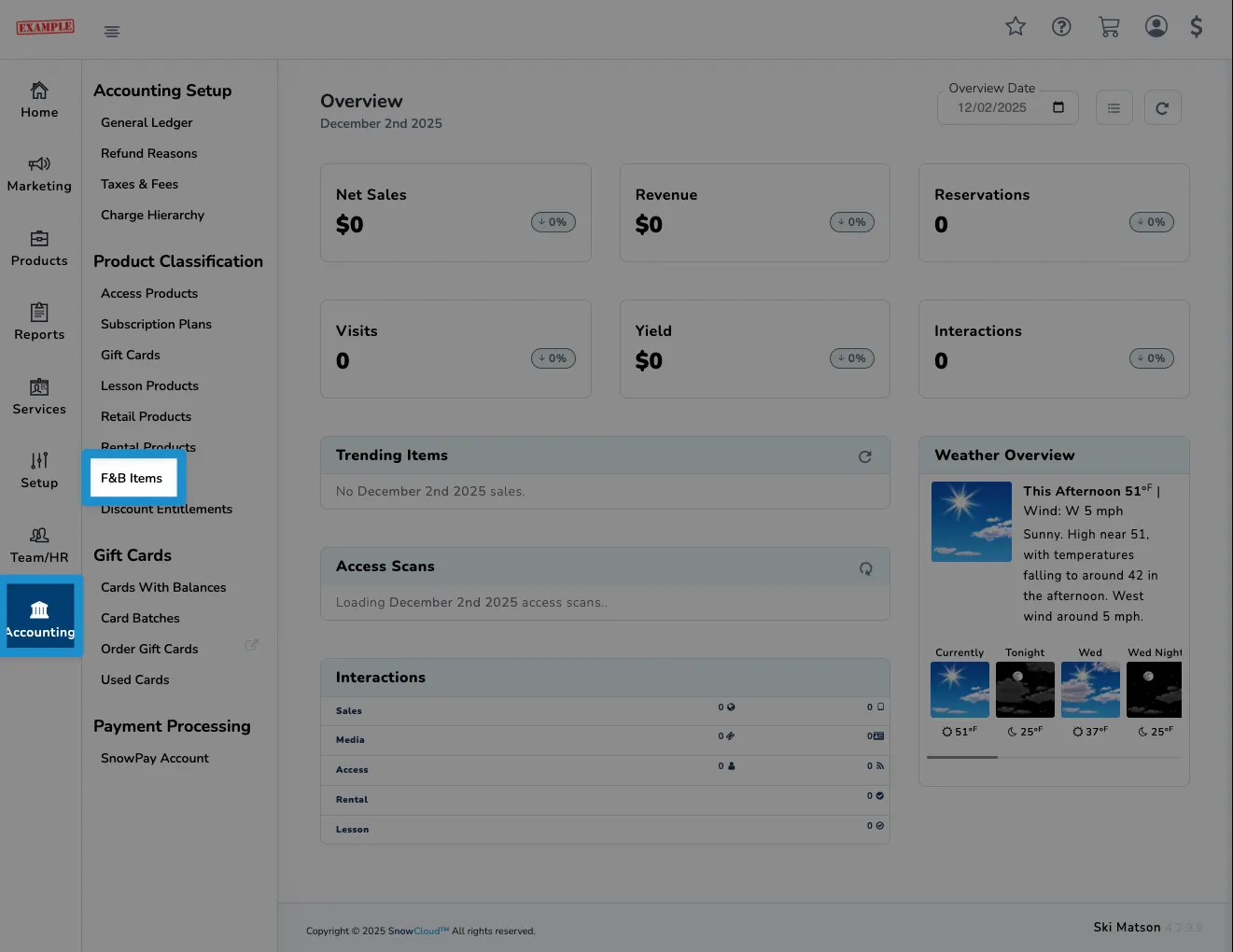
From the left side navigation menu, click on Accounting, then under the Product Classification section, click on F&B Items.
Managing Classifications
The process for creating and managing food and beverage item classifications is similar to that of standard item classifications. For more information, refer to the Item Classifications documentation.