Food and Beverage Item Settings Reference
This document provides a comprehensive reference for the various settings available when configuring food and beverage items in SnowCloud. Each setting is explained in detail to help you understand its purpose and how to use it effectively.
If you need guidance on creating a new food and beverage item, refer to the Creating a New Food and Beverage Item documentation.
General Settings
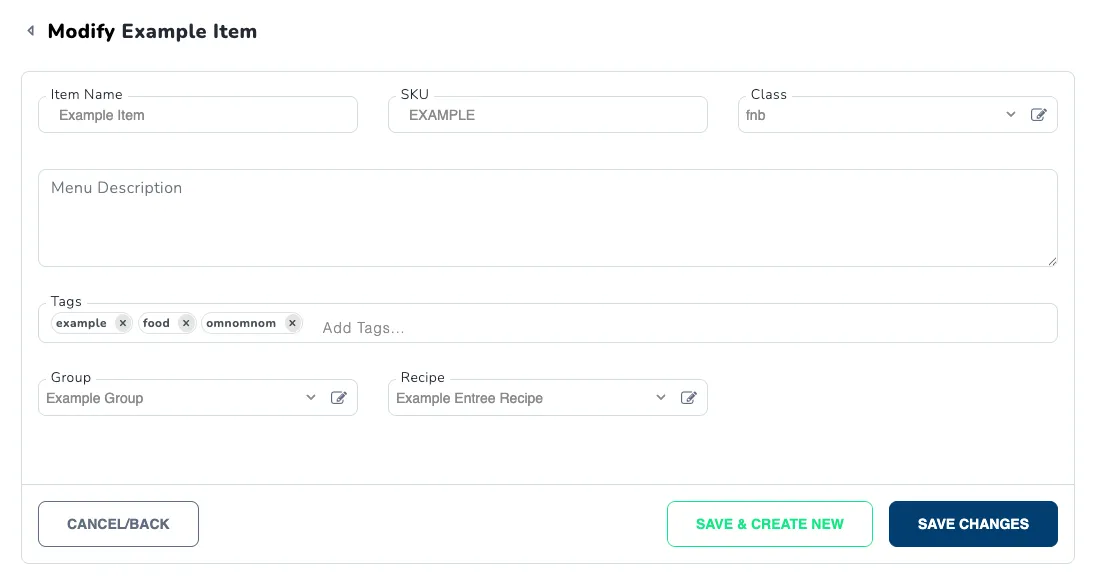
Item Name
The Item Name field is used to specify the name of the food or beverage item. This name will be displayed on menus and receipts.
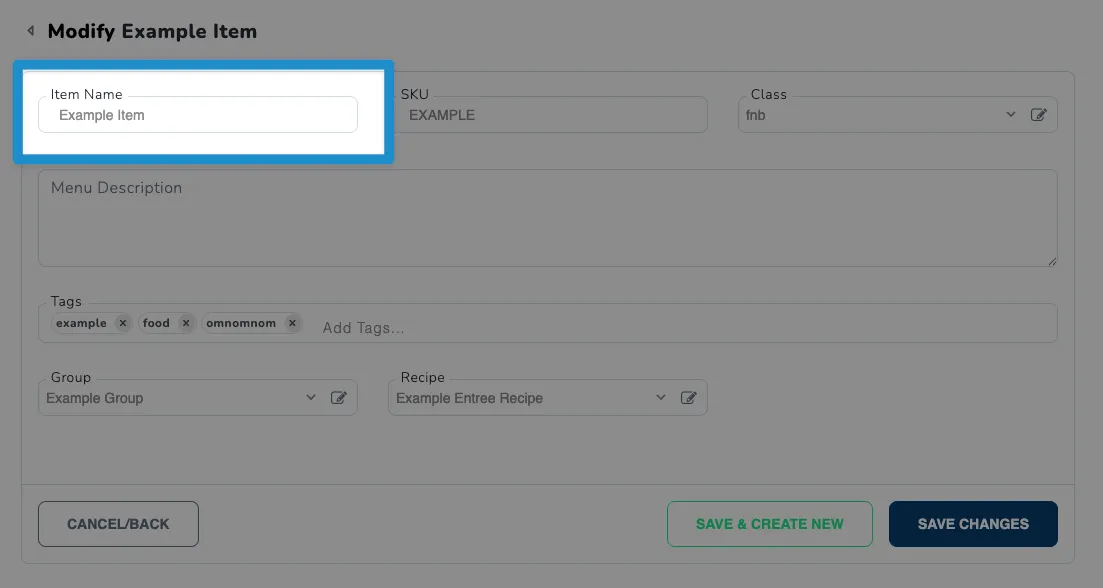
SKU
The SKU (Stock Keeping Unit) field is used to assign a unique identifier to the item for inventory and sales tracking purposes.
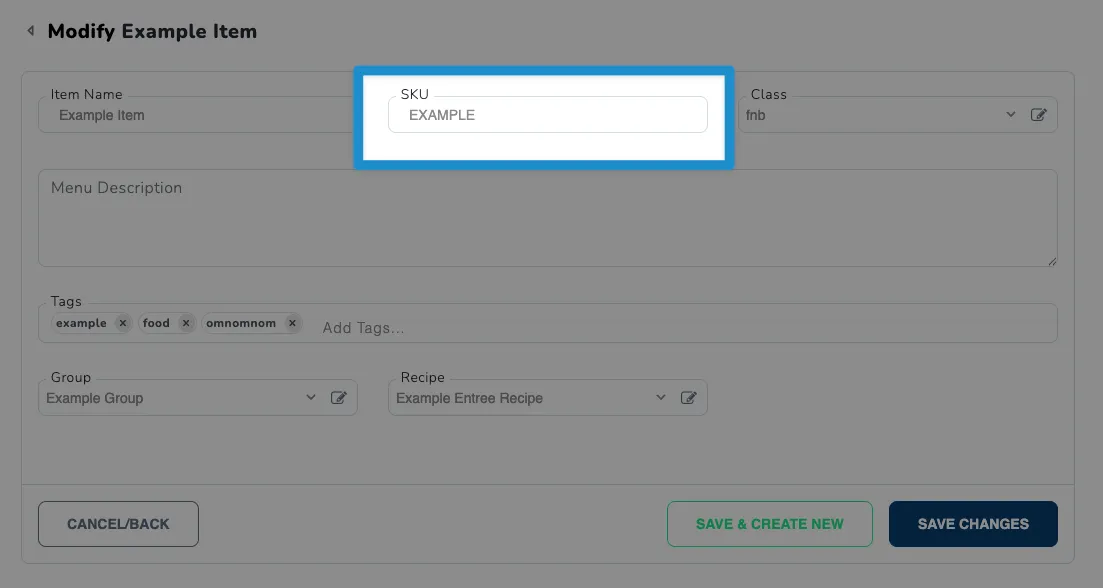
Class
The Class dropdown allows you to select the appropriate accounting GL class for the item. This ensures that sales of this item are properly categorized in your financial records.
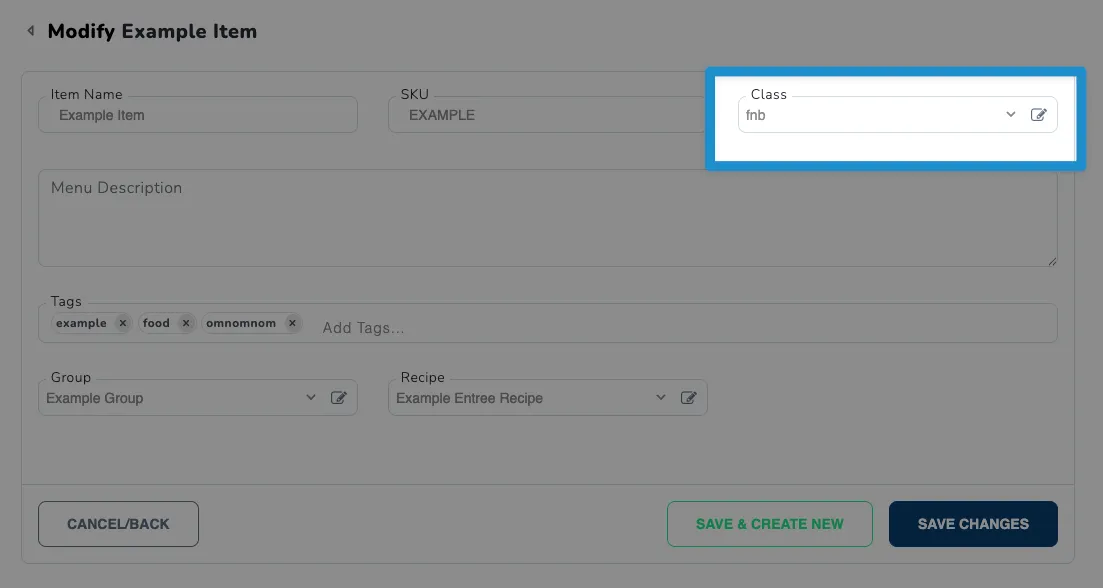
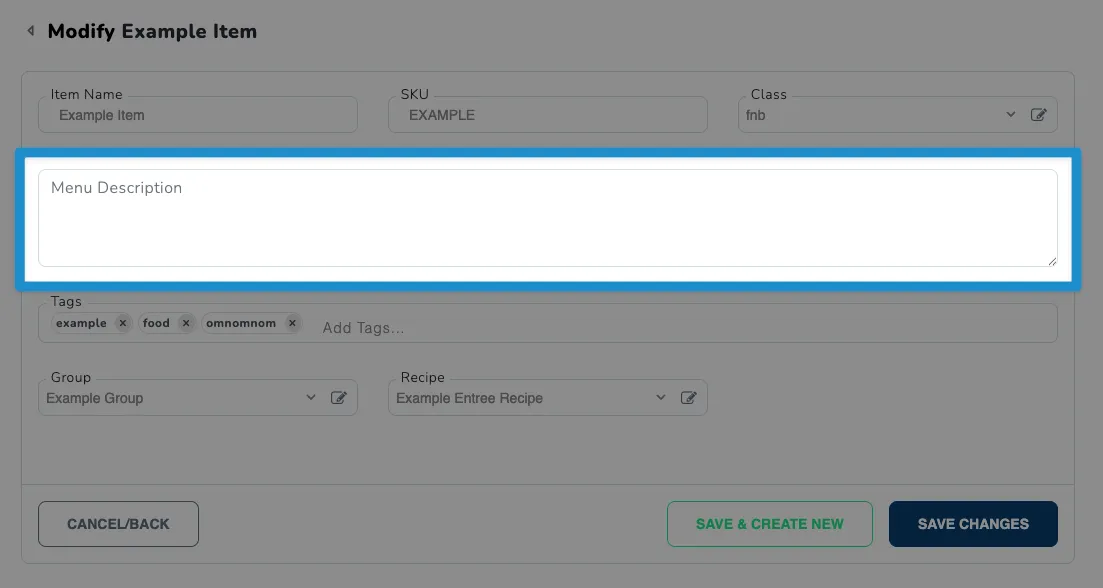
Menu Description
The Menu Description field allows you to provide a detailed description of the item that will appear on menus. This can help customers understand what the item is, its ingredients, and entice their taste buds.
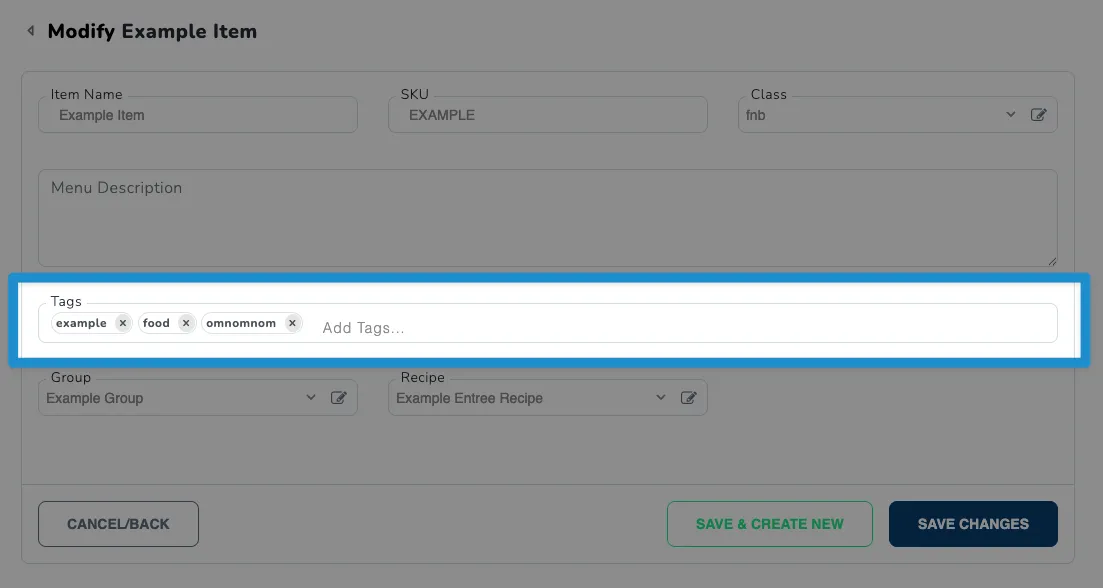
Tags
Tags can help to categorize and organize food and beverage items. You can assign multiple tags to an item to facilitate searching and filtering in the web portal.
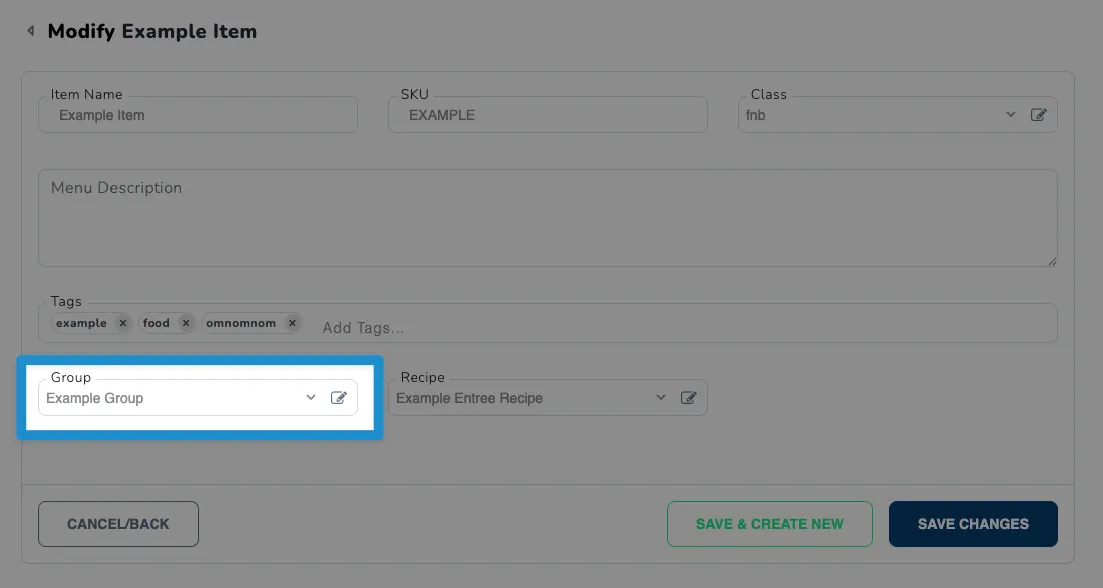
Group
Similar to tags, the Group setting allows you to categorize items into broader groups for easier management and reporting.
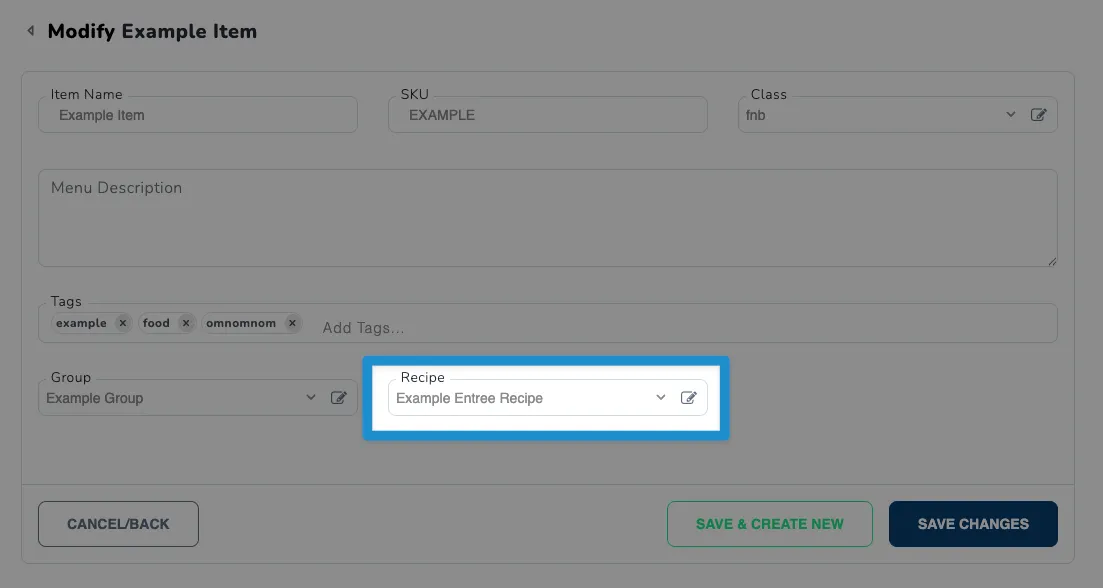
Recipe
The recipe setting allows you to define the ingredients and preparation steps for the food or beverage item. This is useful for inventory management and ensuring consistency in item preparation.
Pricing & Accounting Settings
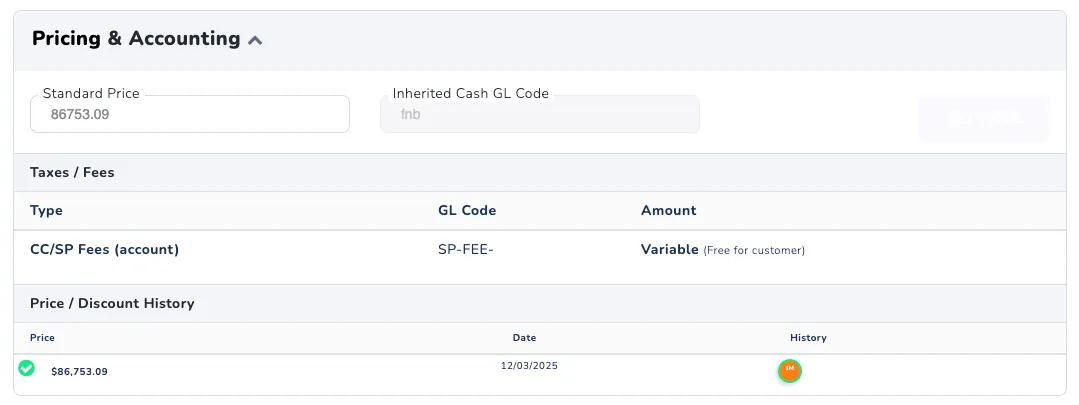
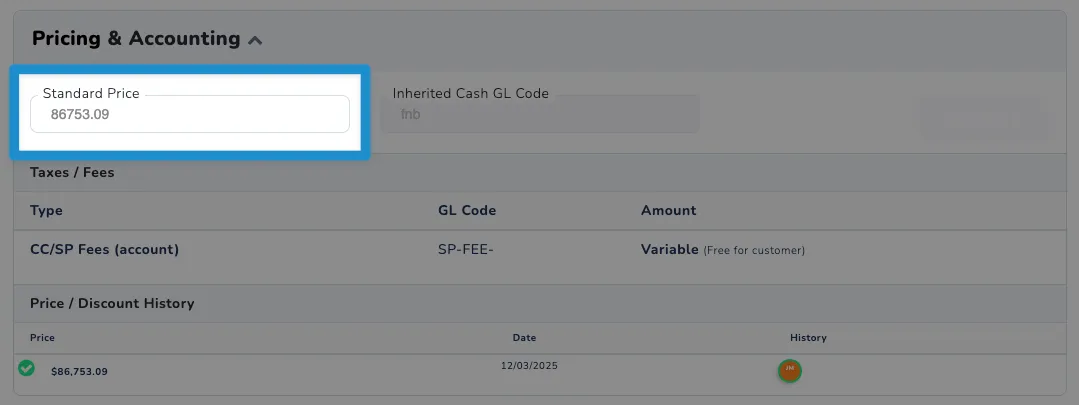
Standard Price
The Standard Price field is used to set the regular selling price for the item, excluding tax or discounts.
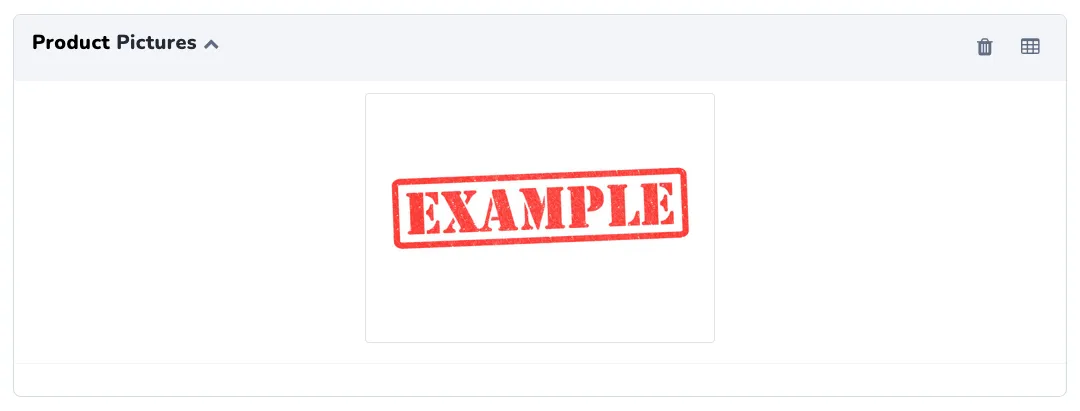
Product Pictures
The Product Pictures section allows you to add photos of the food or beverage item. These photos help enhance your menu and provide customers with a visual representation of the item.
Adding Photos
This Product Pictures section will not appear when creating a new item. To add photos, you must first save the item and then edit it to access the Product Pictures section.
For a tutorial about adding photos to food and beverage items, refer to the Adding Food and Beverage Product Photos documentation.