Rental Fleet
The Rental Fleet page allows you to manage all items available rental items (excluding Rental Locations). Depending on how the fleet is set up, these items may be individually reserved from the web shop, or reserved in bulk. This page is located under Setup > Rental Inventory > Rental Fleet.
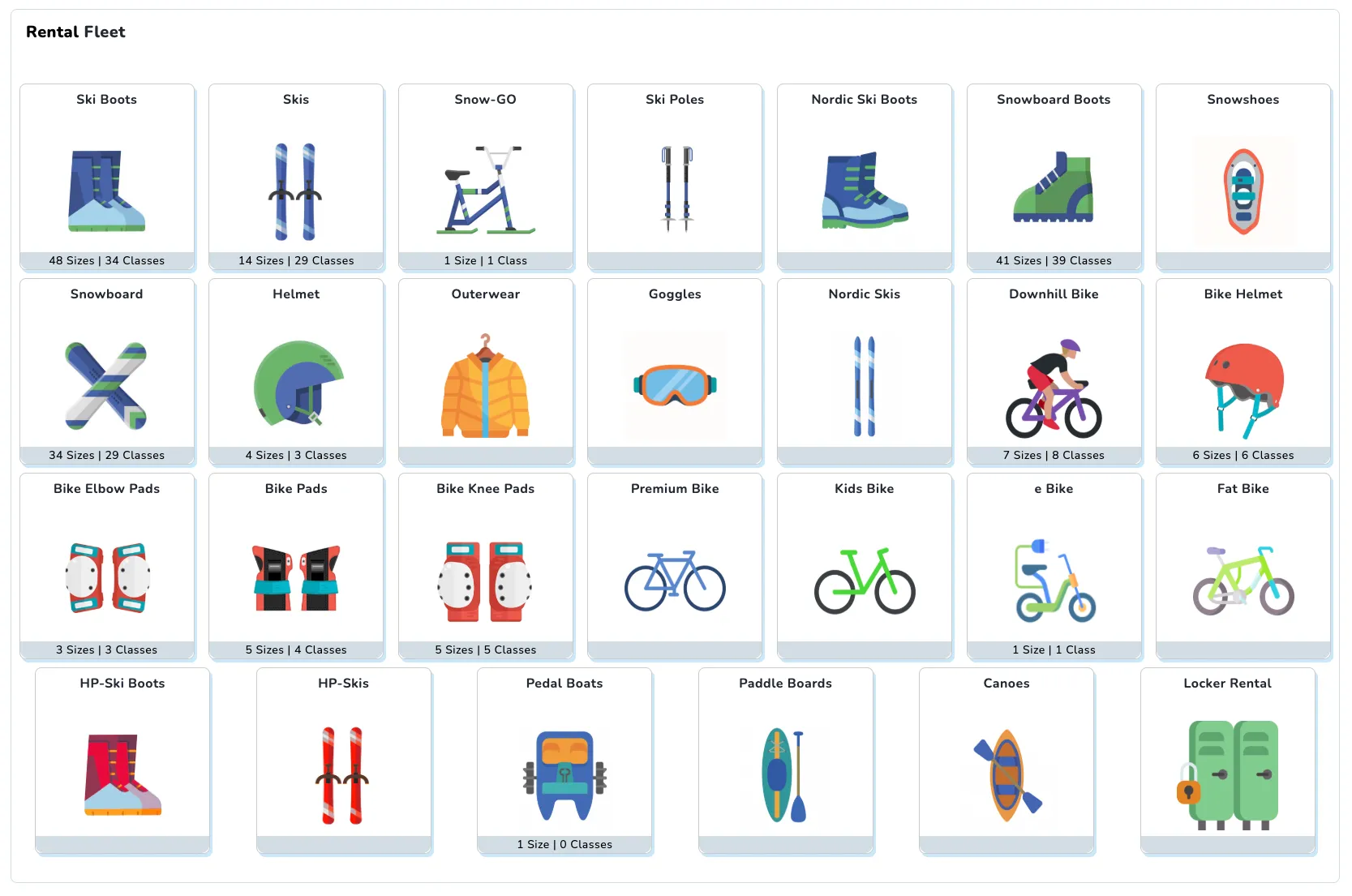
A number of different options for configuring rental behavior can be accessed from this page. Each Rental Fleet represents a pool of rental items of different classes and sizes. For example, all ski boots that follow one sizing system, or all bike helmets.
A Rental Size is a grouping that correlates to some real unit of measurement. For example, a “Small” helmet, a “Youth 4” snowboard boot, a Mondo 26.5 ski boot, etc…
A Rental Classification is a more specific instance of a rental size. For example, two types of small helmet from two different brands could be separate rental classifications, but share a rental size. This allows for more precise tracking and reporting. This can also be useful when different sizing systems overlap. For example, a 23.5 youth ski boot and a 23.5 adult ski boot could share a rental size, while being separate classifications. How ski boot, ski, and DIN calculations are made will be discussed in depth later.
Rental Entitlements entitle guests to any item of any classification/size from a specific fleet.
Pre-Configured Fleets
SnowCloud comes with several pre-configured rental fleets:
- Ski Boots
- Skis
- Snowboard Boots
- Snowboards
- Snow Helmets
- Downhill Bikes
- Bike Helmets
Creating additional rental fleets beyond the pre-configured options requires contacting SnowCloud support.
Related Guides
- Setting Up Your Rental Fleet: Step-by-step guide to configuring sizes, classifications, and inventory.
- Rental Shop Setup: Configure rental fulfillment in the Operator App.