Tags
Tags play an important role in how you can manage your Items, News Feed, and Coupons. This page is located under Settings > Site Setup > Tags
Having a tag strategy and being disciplined when applying tags will allow you to create drill down reports, launch targeted sales, track coupons and news/content pieces.
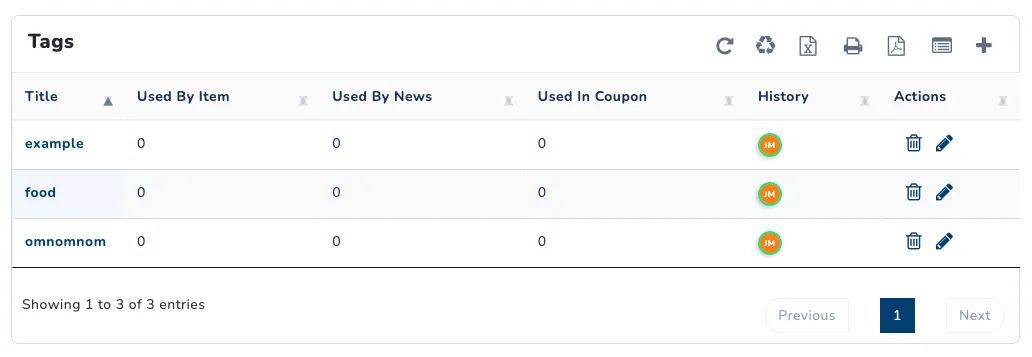
Create a new Tag
- Navigate to the Tags page.
- Click the ➕ button in the upper right corner of the page to open the Add New Tag menu.
- Enter a title for the tag.
- Click Save New Tag.
This newly created tag is now available for use on any applicable product.
You can also add tags on the fly, inline with the product creation process. Those tags will automatically be added to the list on the Tags page.
Managing Tags
From the Tags page, you can remove tags, rename them, and review where tags have been used.
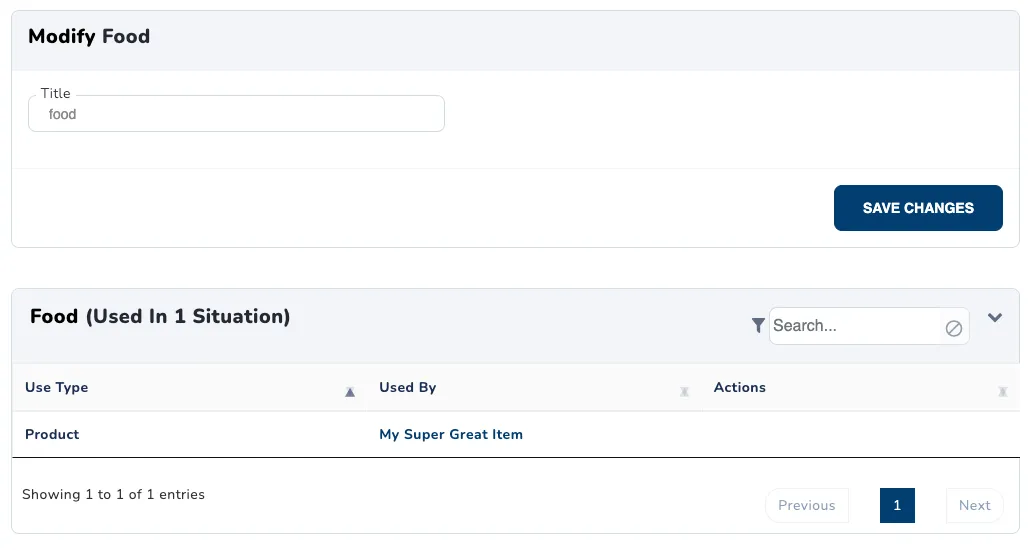
Using Tags
On any applicable item, news, coupon, etc., simply type the title of the tag into the tags box. Possible auto-completions of all your tags may pop up. Be sure to save the item after adding any tags.